New
- Native Google Forms integration added to Workflows
- Capture Google Form responses and trigger automations directly inside the Platform.
- Eliminates the need for third-party tools like Zapier or Pabbly.
Triggers (Google Forms → Platform) (Coming Soon)
New Response (Near Real-Time)
: Fires when a new response is submitted to a selected Google Form.- Polls every 5 minutes.
- Each response triggers the workflow only once.
Trigger outputs include:
- Form ID & Form Name
- Individual question responses
- Respondent details
- Submission timestamp
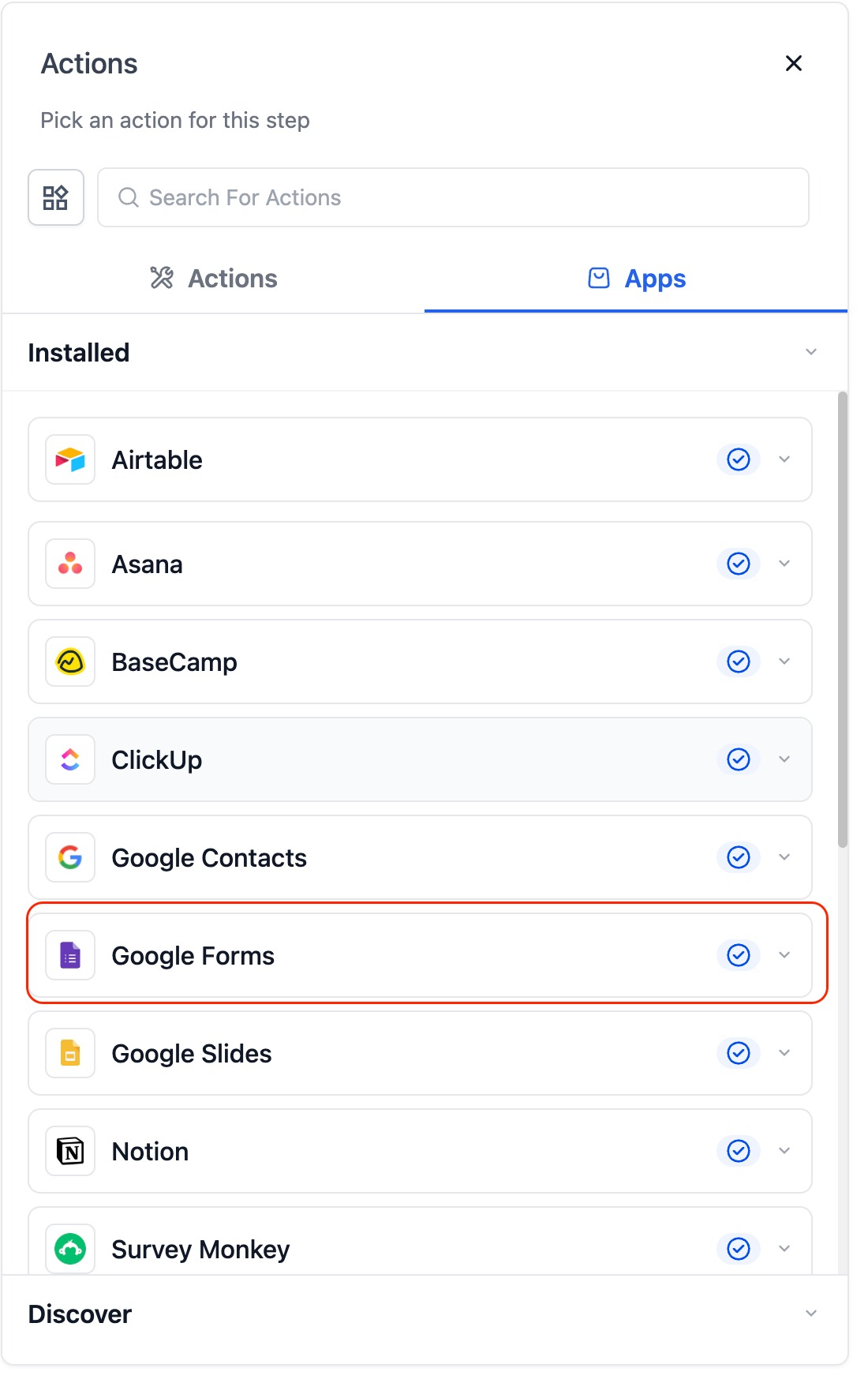
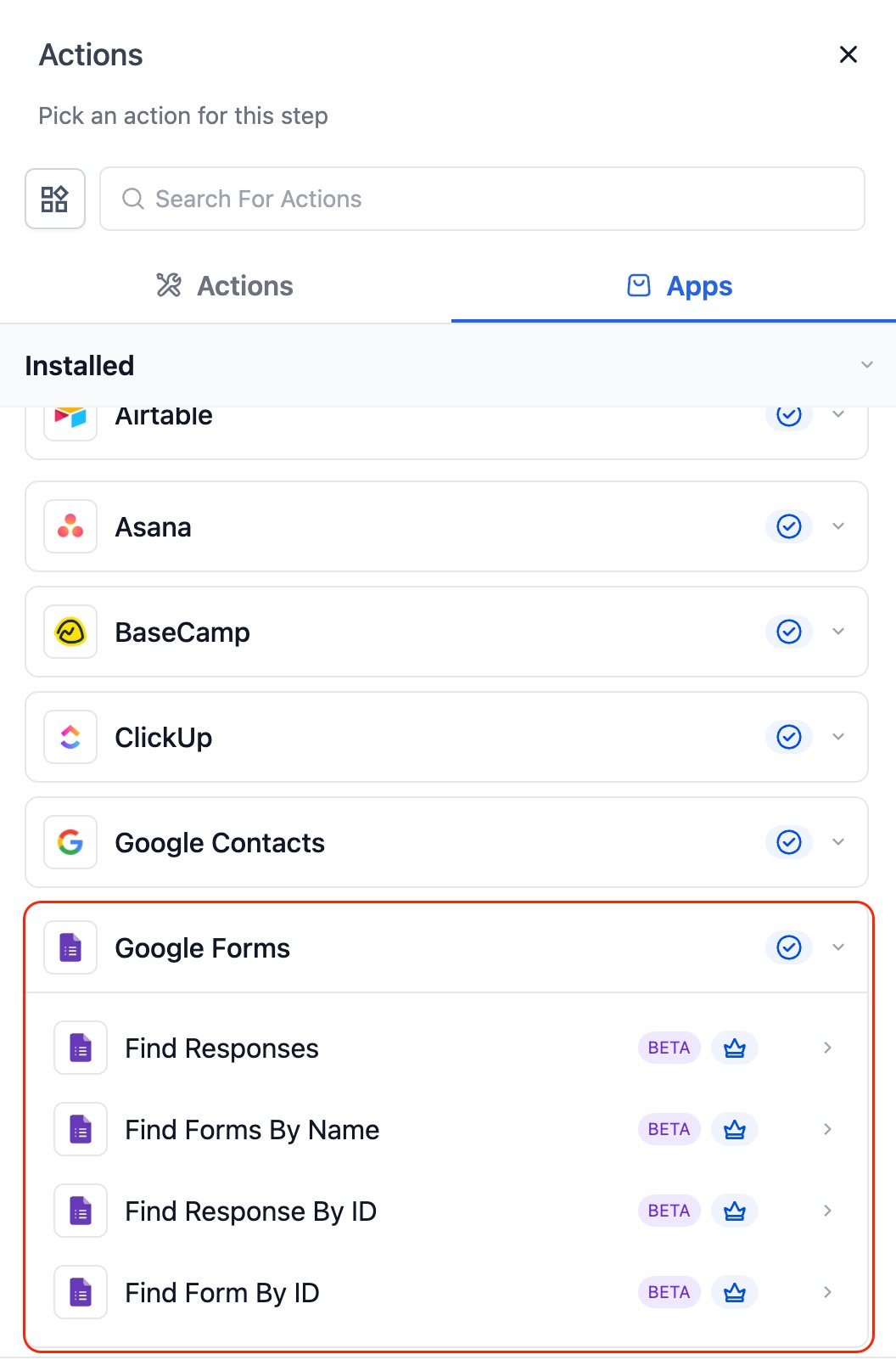
Actions (Platform→ Google Forms)
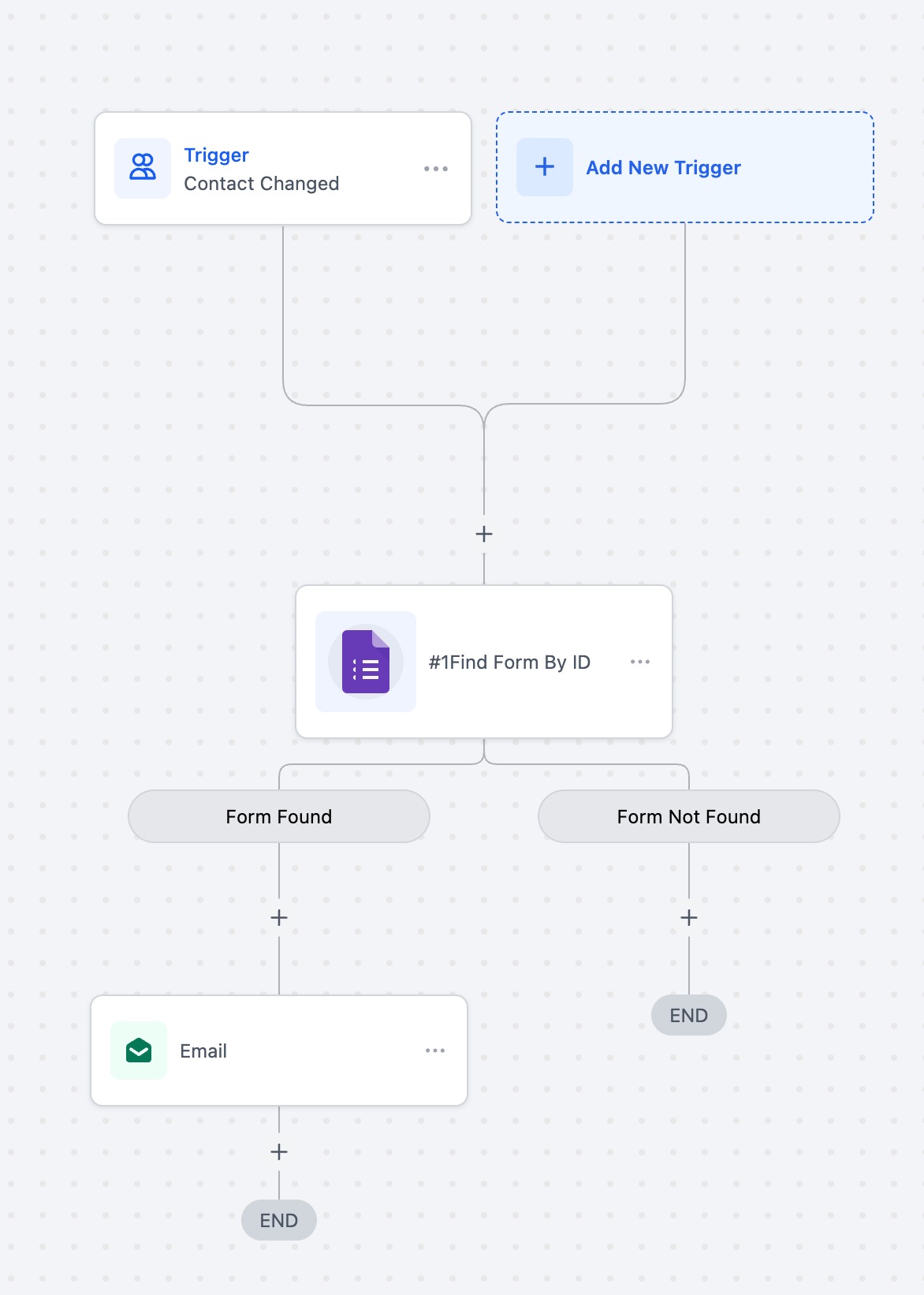
- Find Form by ID: Locate a Google Form using Form ID (supports dynamic input).
- Find Form by Name: Locate a Google Form using Form Name (dropdown selection).
- Find Response by ID: Retrieve a specific response using Form ID and Response ID.
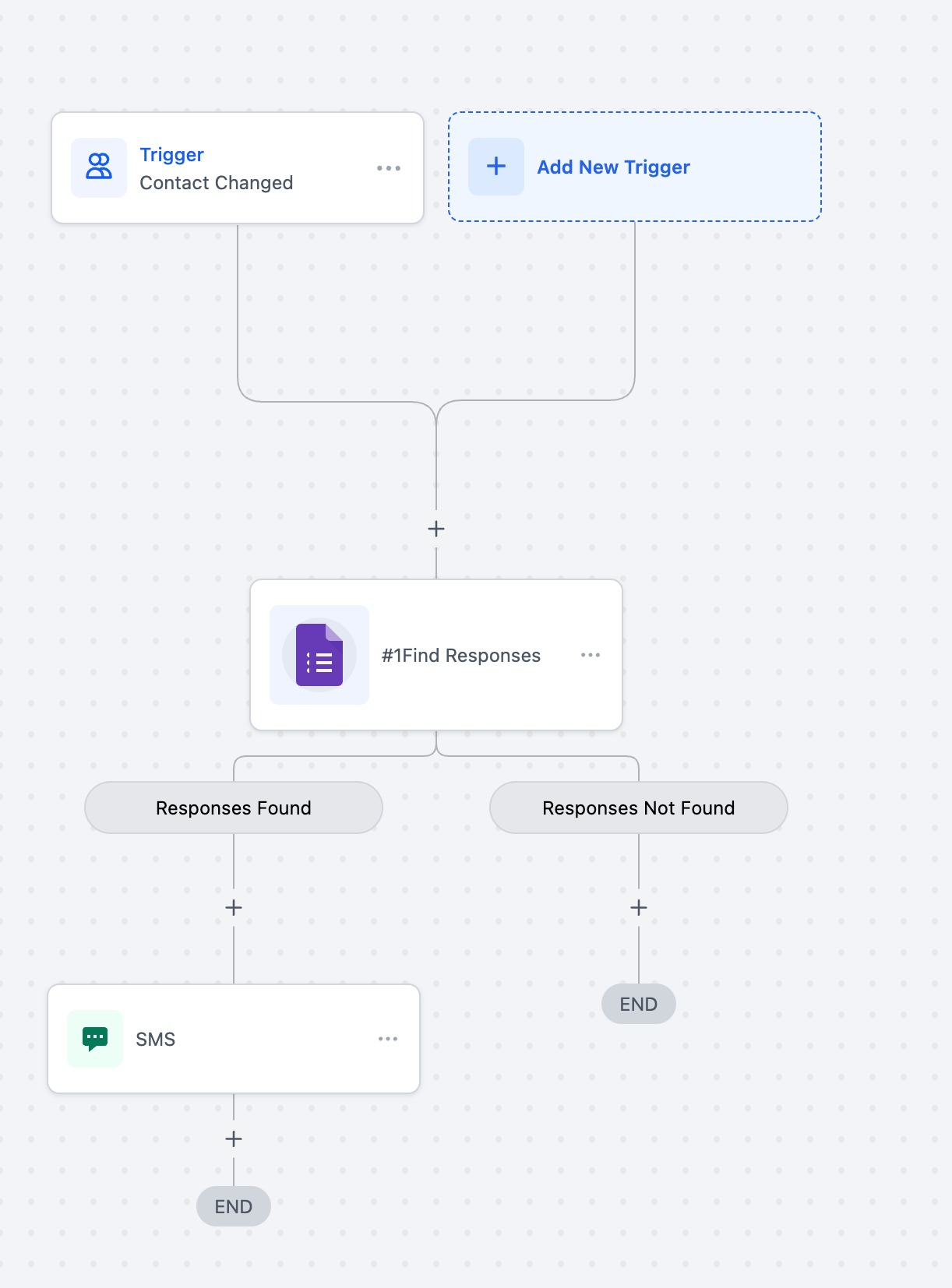
- Find Responses by Form Name: Retrieve all responses from a selected form.
Supports pagination using next page token.
All actions include Found / Not Found branches for conditional workflows.
Key Functionalities
- Map Google Form responses directly to CRM fields.
- Use response data in If/Else conditions.
- Build workflows based on historical form submissions.
Integration
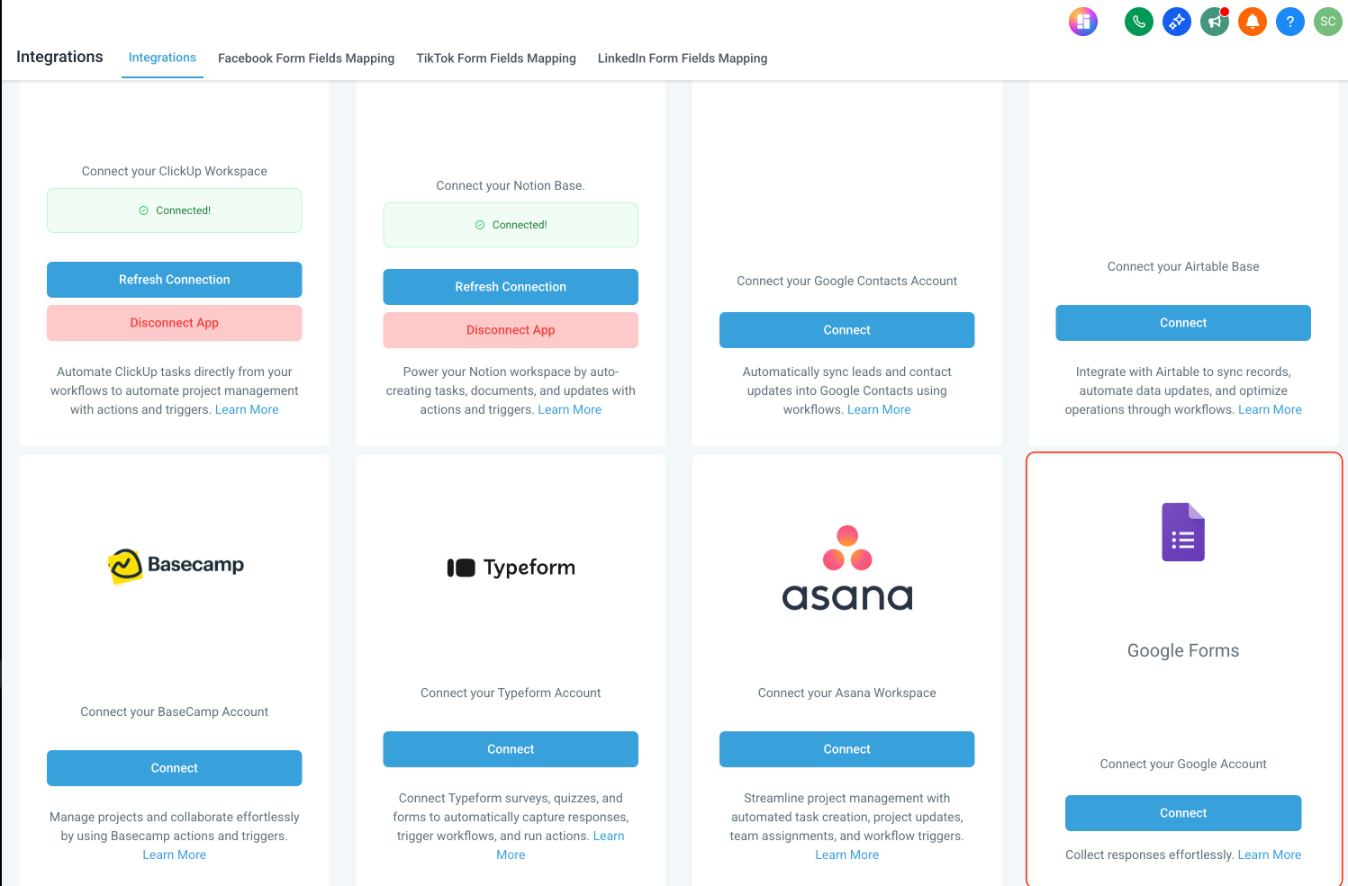
- Connect via Workflows → Triggers / Actions → Google Forms.
- Authenticate using Google OAuth.
- Manage connections via Settings → Integrations → Google Forms.
Notes
- Triggers are near real-time (5-minute polling).
- One-way sync only (Workflows read from Google Forms).
- Google Forms actions are billed at standard automation rates.
- Fully compatible with conditional logic in workflows.
Was this article helpful?
That’s Great!
Thank you for your feedback
Sorry! We couldn't be helpful
Thank you for your feedback
Feedback sent
We appreciate your effort and will try to fix the article