Meet
Sticky Phone Number on Mobile
— a quality-of-life upgrade that keeps and maintains the outbound number you choose
for all subsequent calls. Fewer taps, fewer mistakes, faster dialing
—especially powerful alongside Local Presence Dialing.What’s New
- Your chosen number, remembered
: When you explicitly pick an outbound number, the mobile app persists that choice
across calls.- Crystal-clear reset rules: Your selection stays stickyuntil you log outoruninstallthe app.
- Applies where it matters: Works withUser Assigned NumberandDefault Account Outbound Number.
- Local Presence stays smart:Unchanged behavior—Local Presence Dialing stilldynamically selectsthe best local number as it does today.
Before vs. Now
- Before: After every outbound call, the app reset the selected outbound number—even if you had just chosen one—creating friction (especially postLocal Presence Dialinglaunch).
- Now: Yourexplicit selection persists, so you don’t have to re-select an outbound number after each call.
Big Wins, Fast
- Speed: Remove repetitive steps and place back-to-back calls without re-picking numbers.
- Consistency: Keep the same caller ID across sequences or campaigns when you want it.
- Confidence: Reduce misdials and ensure the number your contact expects is the one they see.
- Flow: Stay in the zone—dial, note, dial—with fewer interruptions.
How to Use This Feature
- Open the dialer in the Platform mobile app.
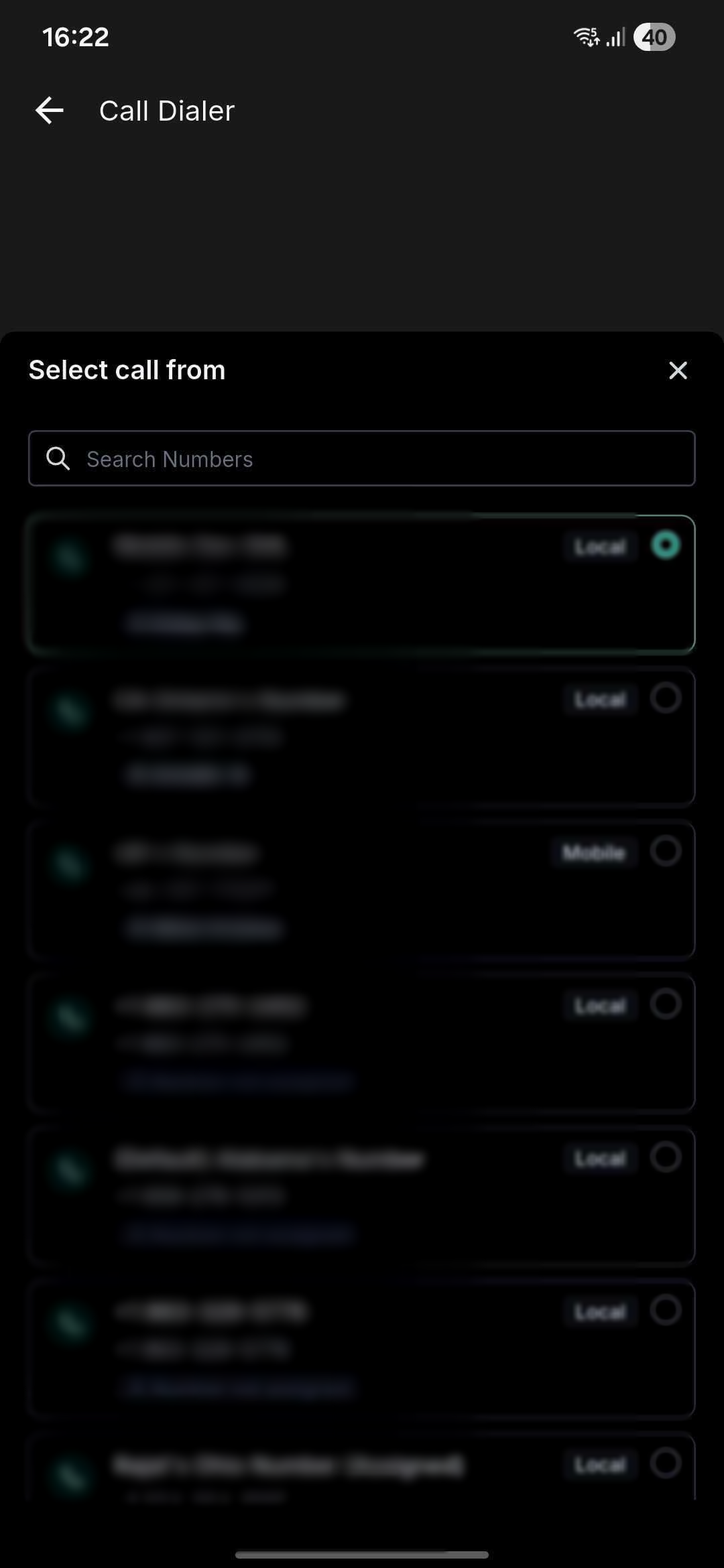
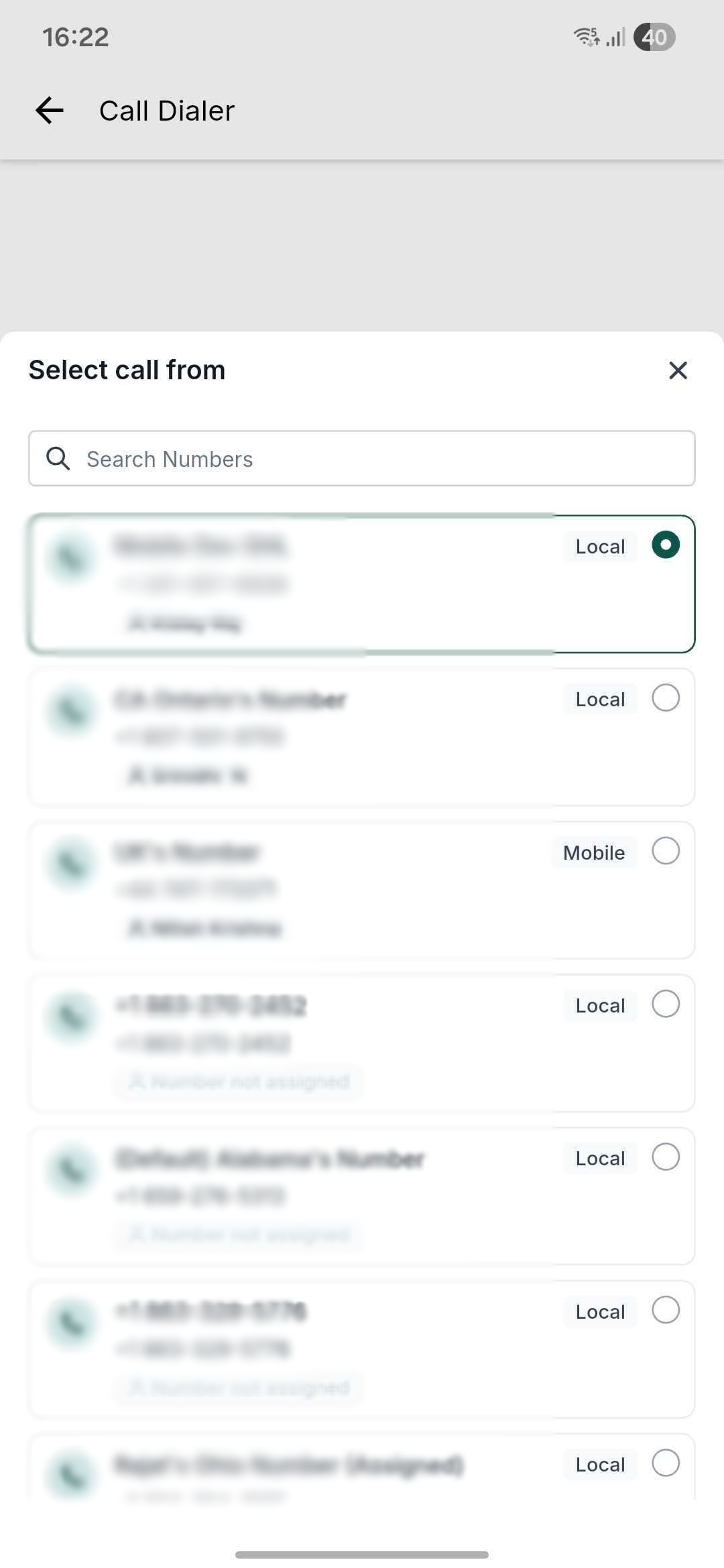
- Pick your outbound number (from User Assigned or Default Account).
- Place your call—your selection now persists for subsequent calls.
- To change numbers, simply open the picker again and select a different outbound number.
- To reset to defaults, log out or uninstall/reinstall the app (this clears the sticky selection).
Availability
- Platform Mobile App v4.5.0 and above
- LeadConnector Mobile App v4.5.0 and above
- Whitelabelled Mobile Apps (secure your updatethrough the Whitelabel Mobileself-service flowor through yourdedicated Account Specialist.
Was this article helpful?
That’s Great!
Thank you for your feedback
Sorry! We couldn't be helpful
Thank you for your feedback
Feedback sent
We appreciate your effort and will try to fix the article