What’s New?
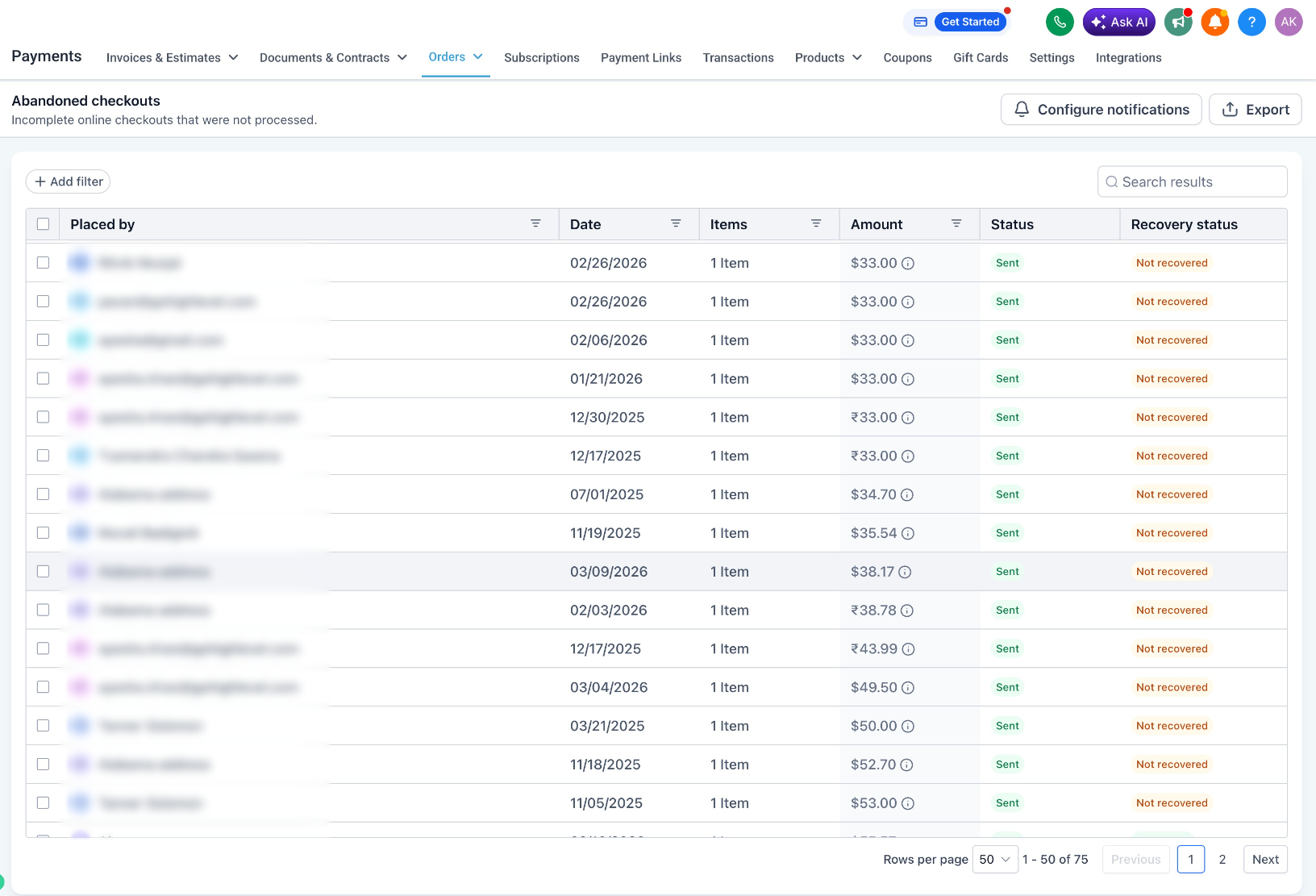
Abandoned Checkouts page has been redesigned with the High-Rise UI and new tools to help store owners find, manage, and export abandoned checkout data more efficiently.
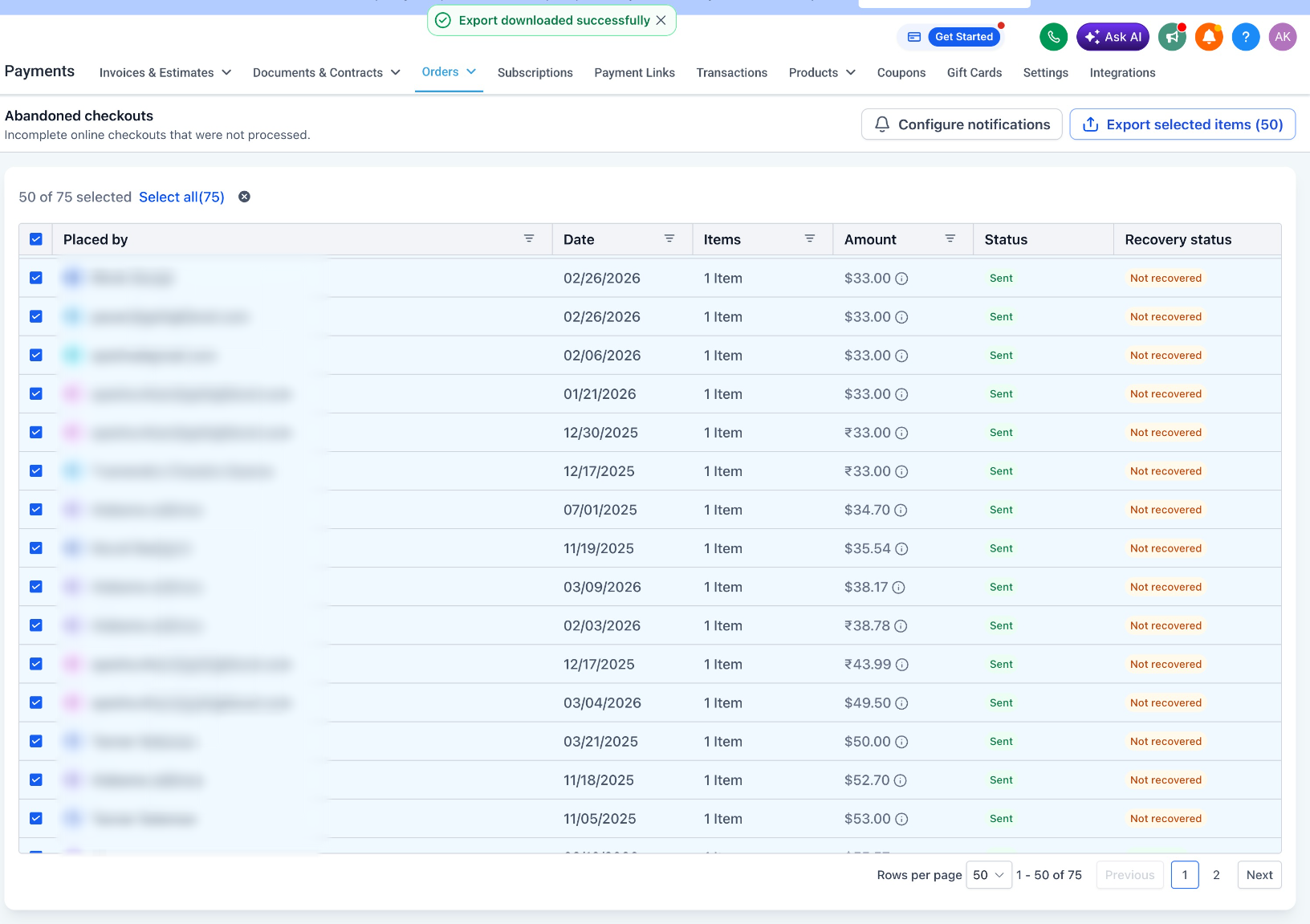
- Export CSV: Select individual, multiple, or all records on the current page and export customer, cart, product, activity, and recovery details.
- Search & Filters: Search by customer name or email, and useAdd filterto filter byEmail Status, Recovery Status, or Date Range.
- Configure Notifications: Quickly access Abandoned Cart Notification Settings from the new CTA.
- Improved Experience: Updated empty states, loading states, pagination, and responsive design.
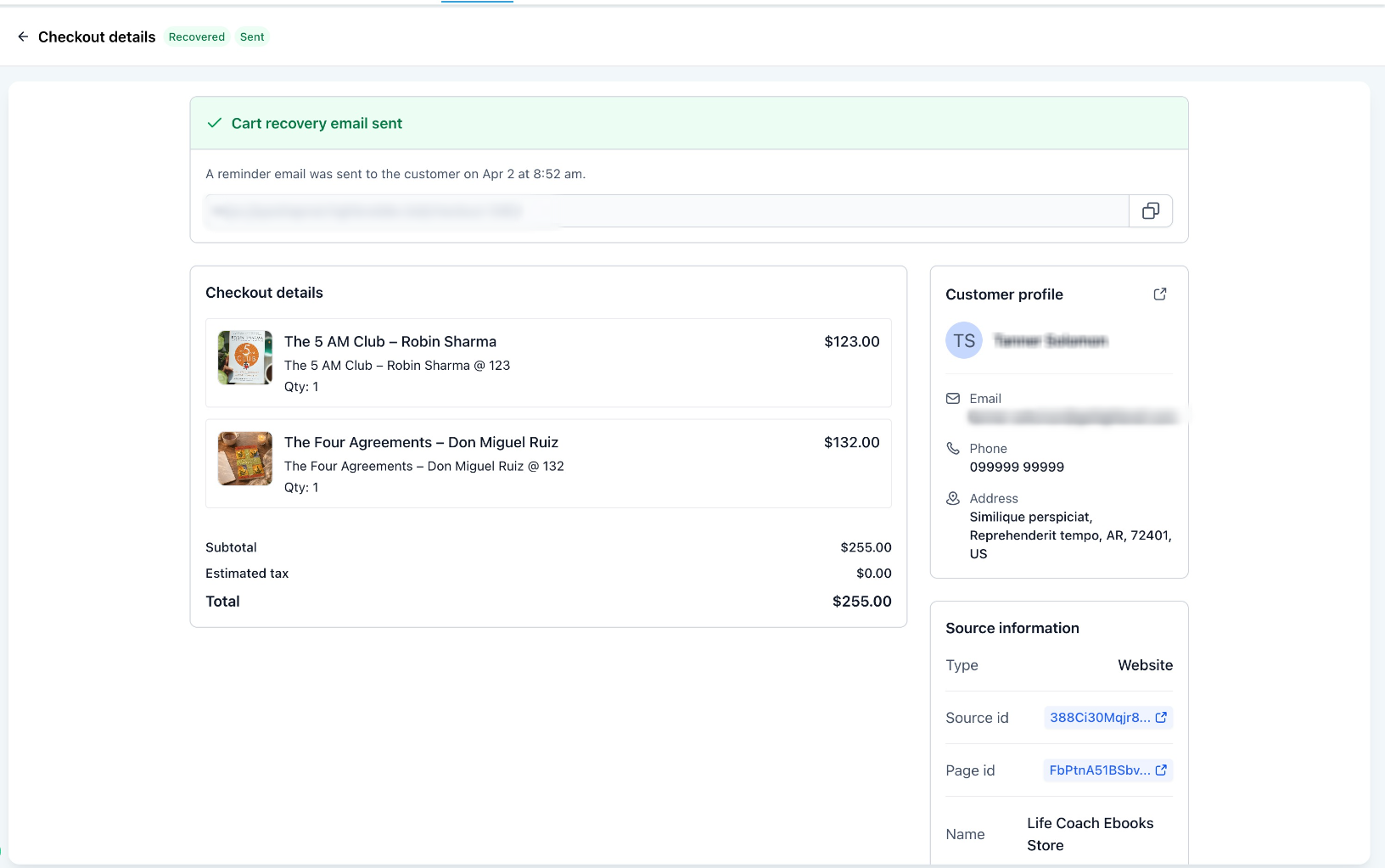
- Shareable Recovery Link: Open an abandoned checkout to copy and share its checkout URL directly with the customer, helping them quickly return and complete their purchase.
How to Use It?
- Go to Payments > Orders > Abandoned Checkouts.
- Search or filter the required records.
- Select the checkouts and click Export CSV.
- Use Configure Notifications to manage abandoned cart notifications.
Key Points to Note:
- Export is enabled only after selecting at least one record.
- Select All applies to the current page.
- Exports with more than 5,000 recordswill be delivered by email.
Images:
Was this article helpful?
That’s Great!
Thank you for your feedback
Sorry! We couldn't be helpful
Thank you for your feedback
Feedback sent
We appreciate your effort and will try to fix the article