One login. One navigation. One seamless experience.
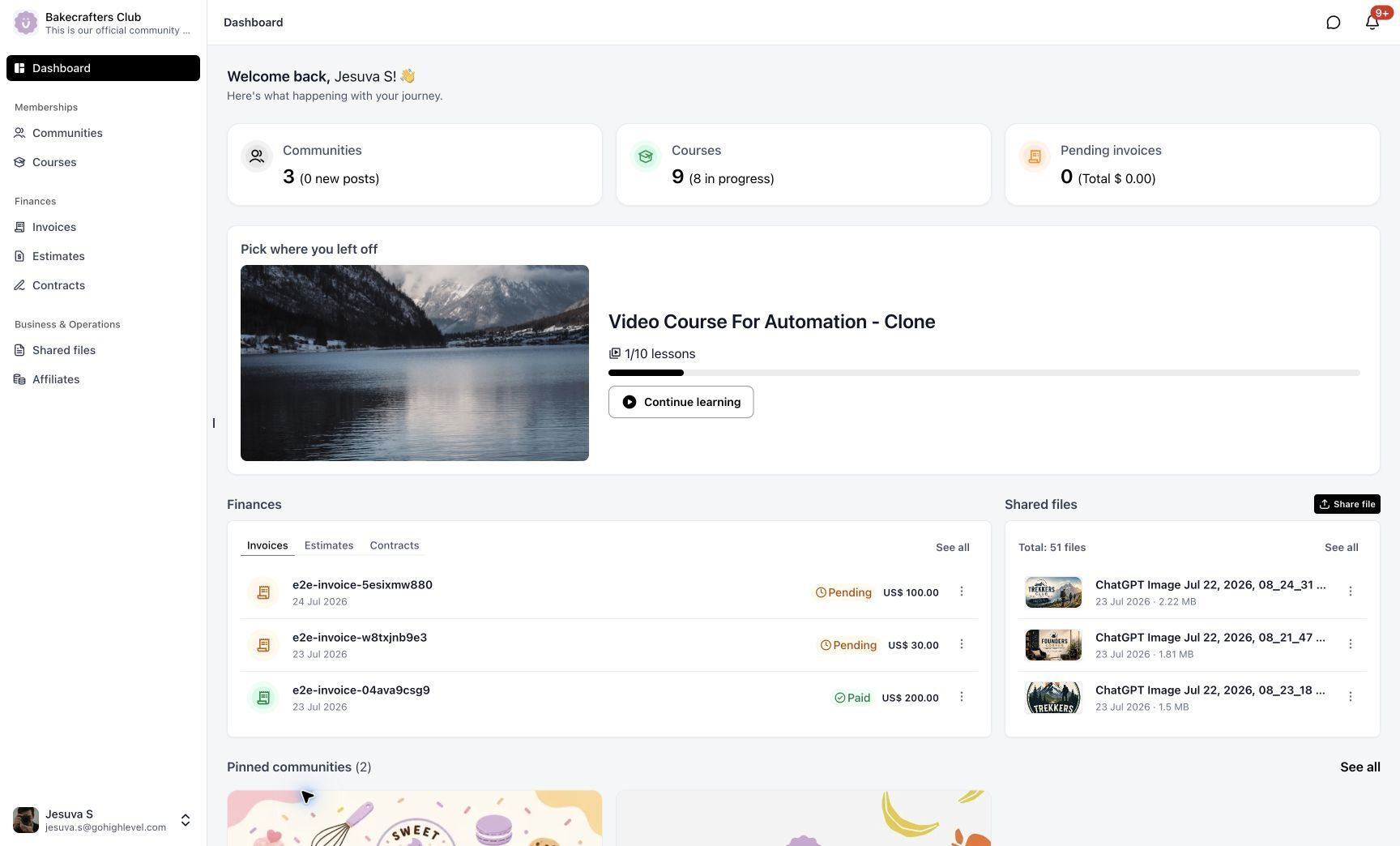
Moving between Client Portal, Courses, and Communities used to feel like switching between separate products — different tabs, different navigation, constant re-orienting. We rebuilt it. Dashboard, Courses, Communities, Billing, Shared Files, Affiliates, and Account Settings now live inside one connected, branded customer home, rebuilt on a shared, modern architecture. This release also ships the new Communities UI as part of the unified experience.
The Biggest Unlock: One Foundation for Every Membership Product
This rewrite isn't just a new Client Portal — it's the shared foundation that finally puts GoKollab, Communities, Courses, and Client Portal on the same modern architecture. Features and UX flows that used to stop at product boundaries now work seamlessly across all of them. Cross-product journeys get dramatically simpler, and every future membership capability can be built once and work everywhere. This is the groundwork that makes the deeper, connected experiences on our roadmap possible.
From Fragmented to Connected
Before:
Disconnected apps, repeated context switching, and inconsistent navigation — more time spent figuring out where to go next.After:
One unified experience with smooth movement between Courses, Communities, Client Portal, billing, files, and account settings. No more tab maze. No more starting over between sections.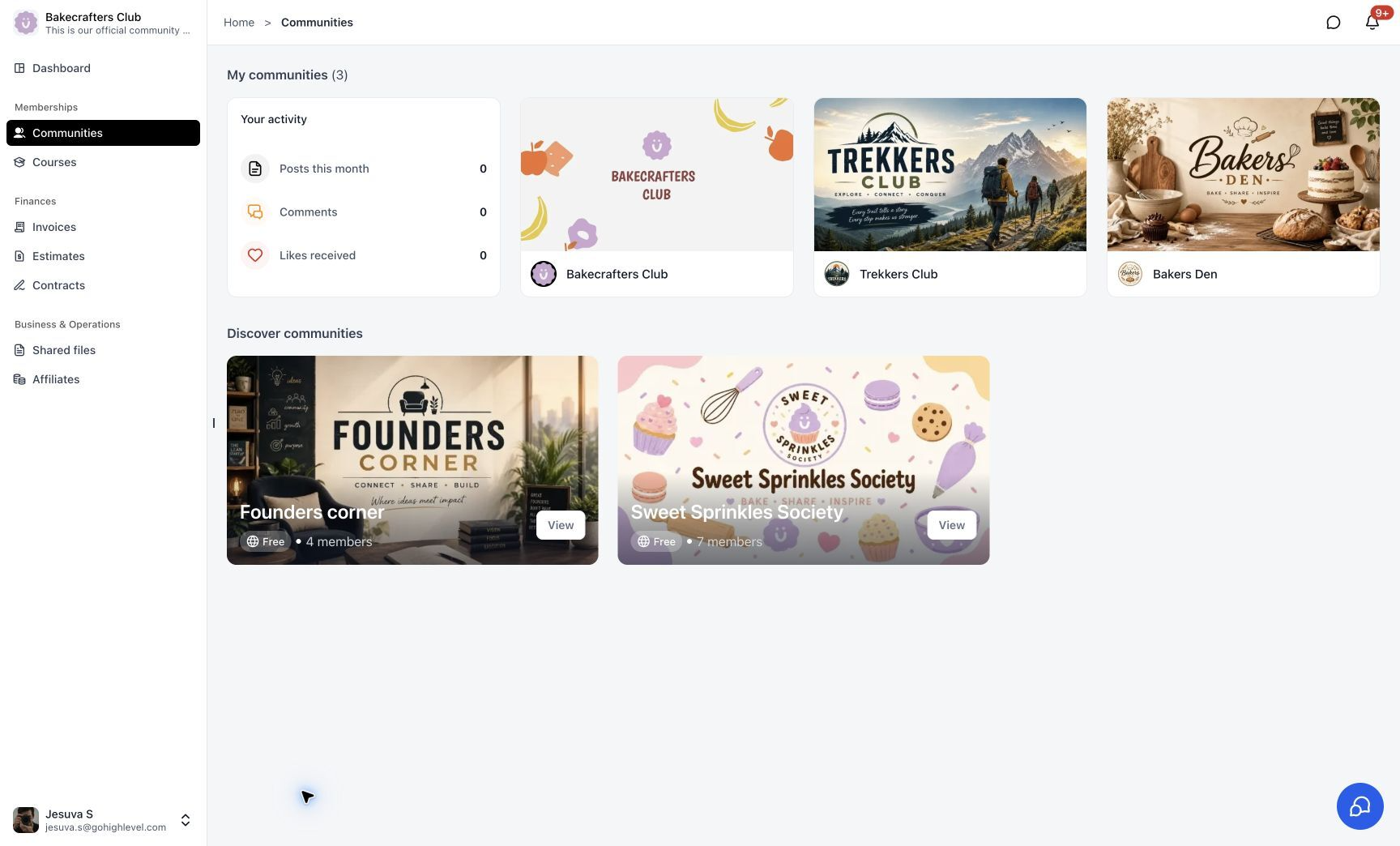
A Dashboard That Works as a Real Launchpad
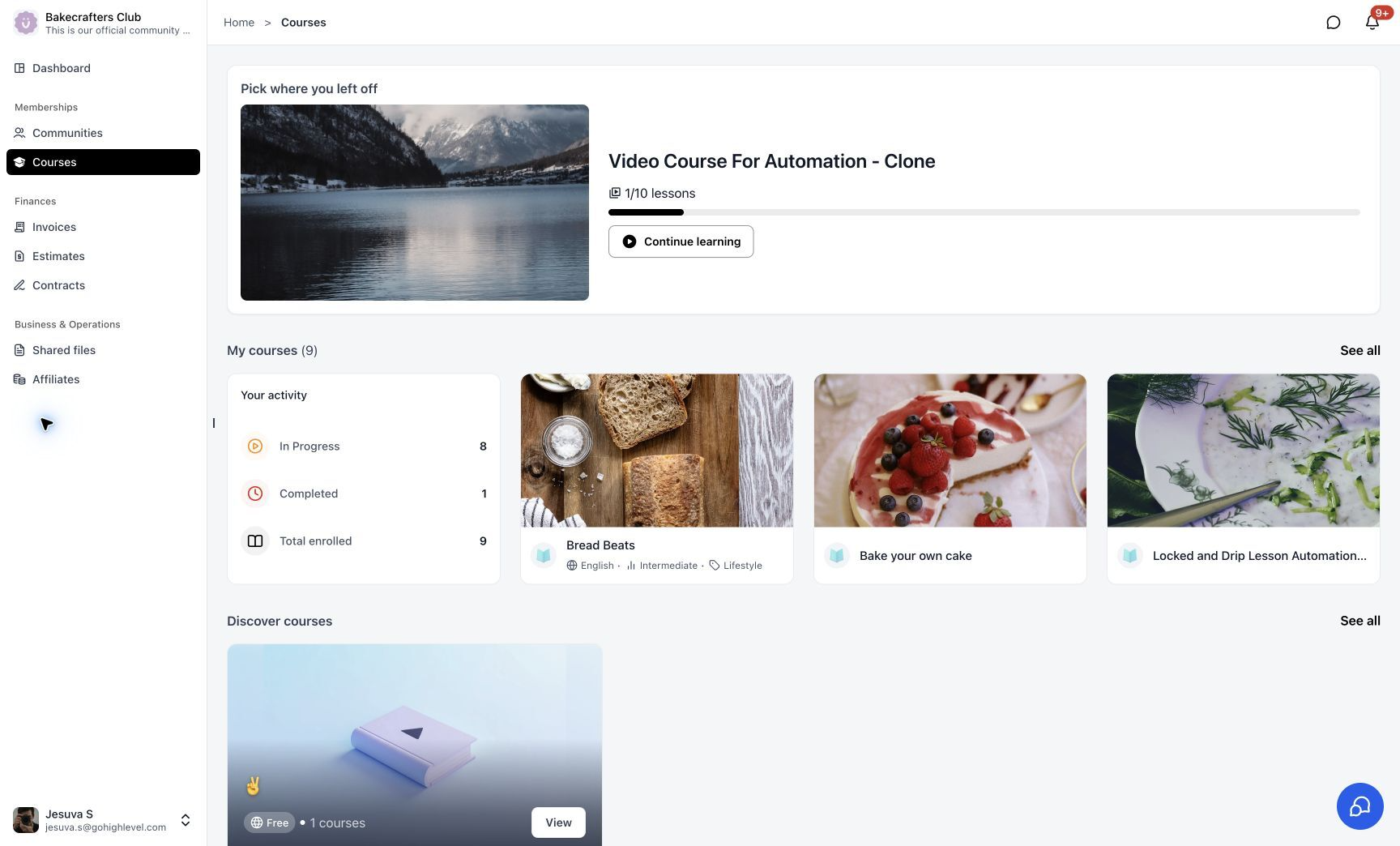
The redesigned Dashboard gives customers an immediate overview of everything that matters to them, including:
- Courses in progress
- Community memberships and activity
- Pending invoices
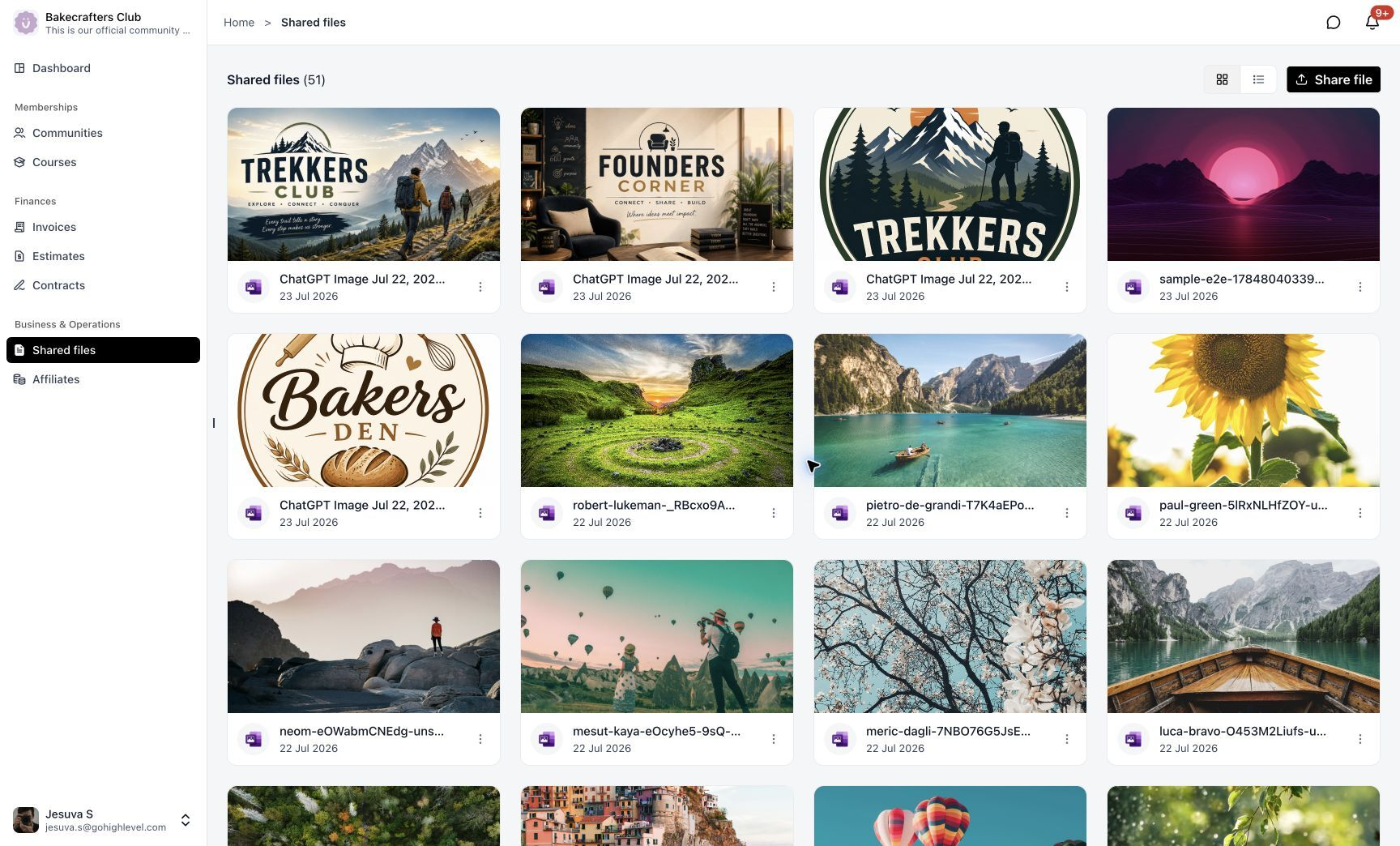
- Recently shared files
- Pinned communities
- Quick access to frequently used areas
Instead of acting as a simple landing page, the Dashboard now helps customers immediately continue their journey.
Business Tools in the Same Experience
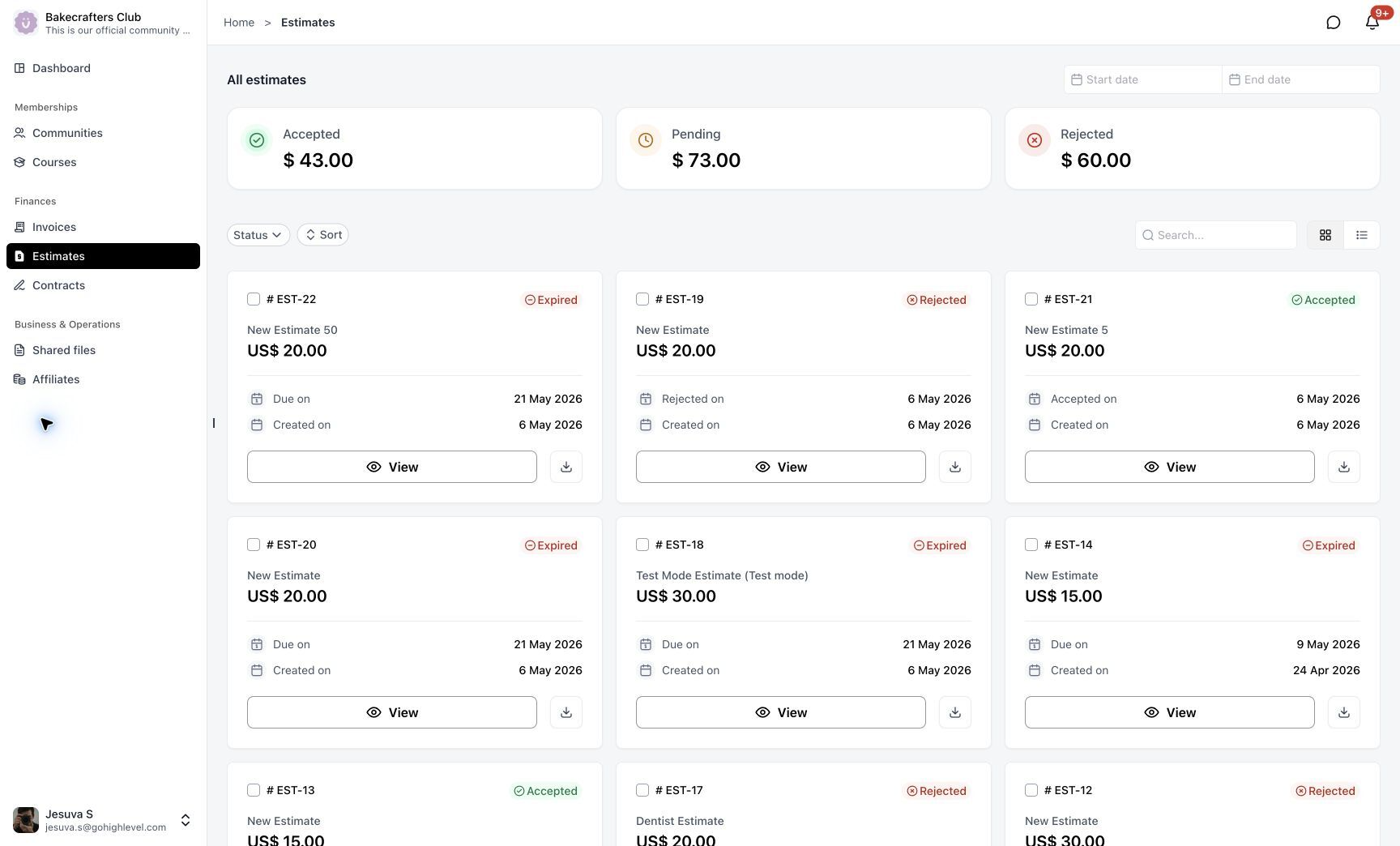
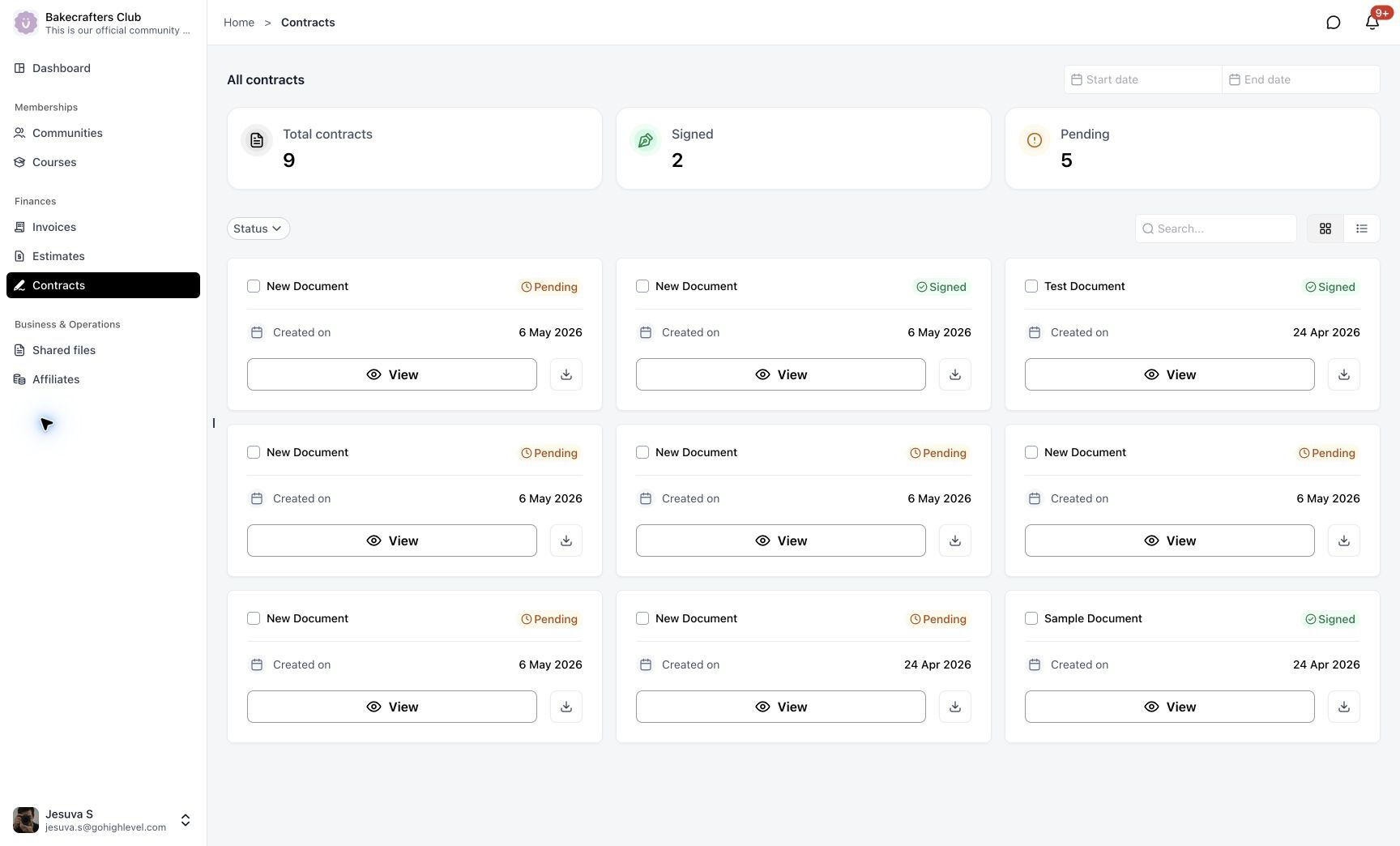
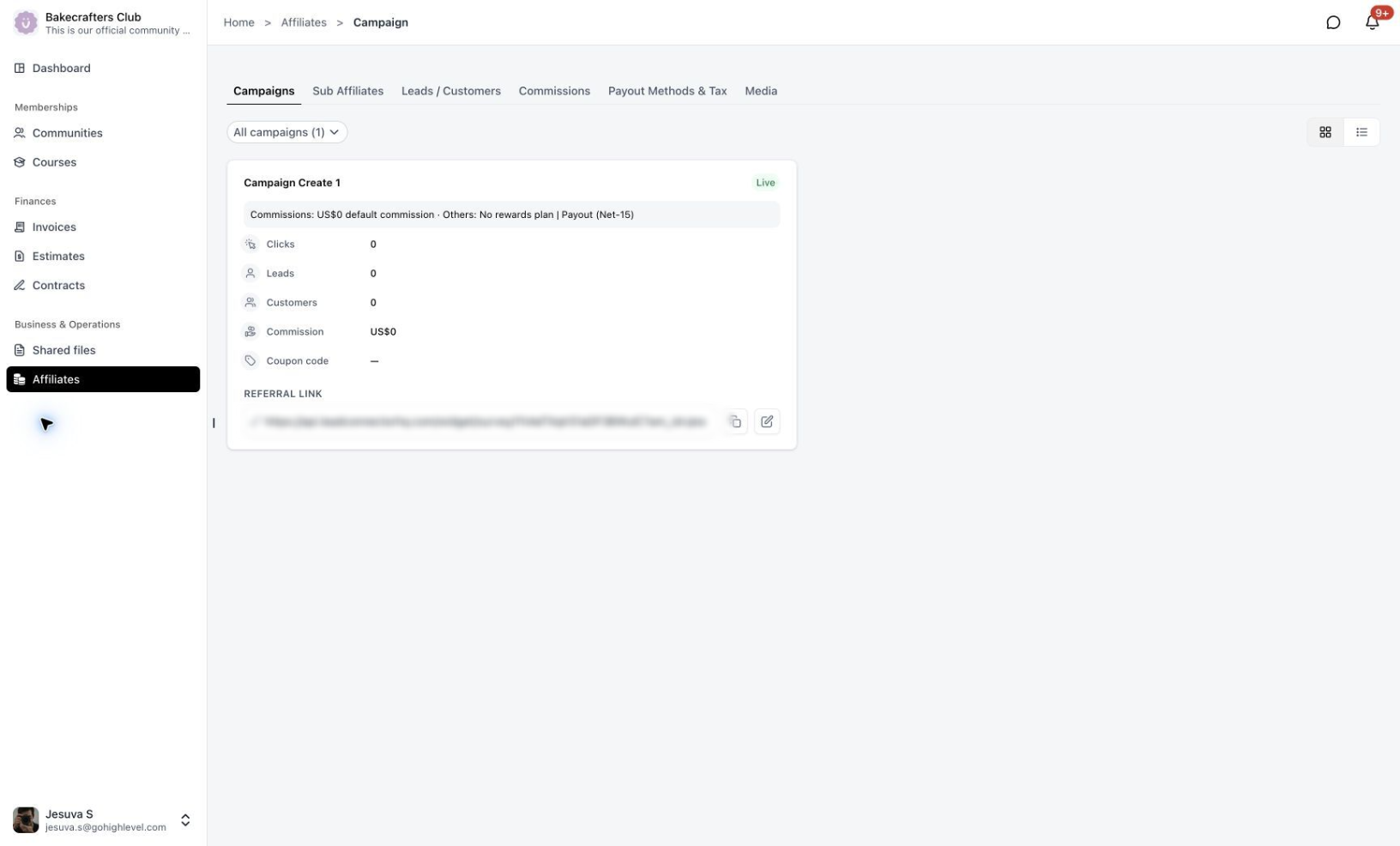
Customers can now access important business interactions without leaving the portal.
Invoices
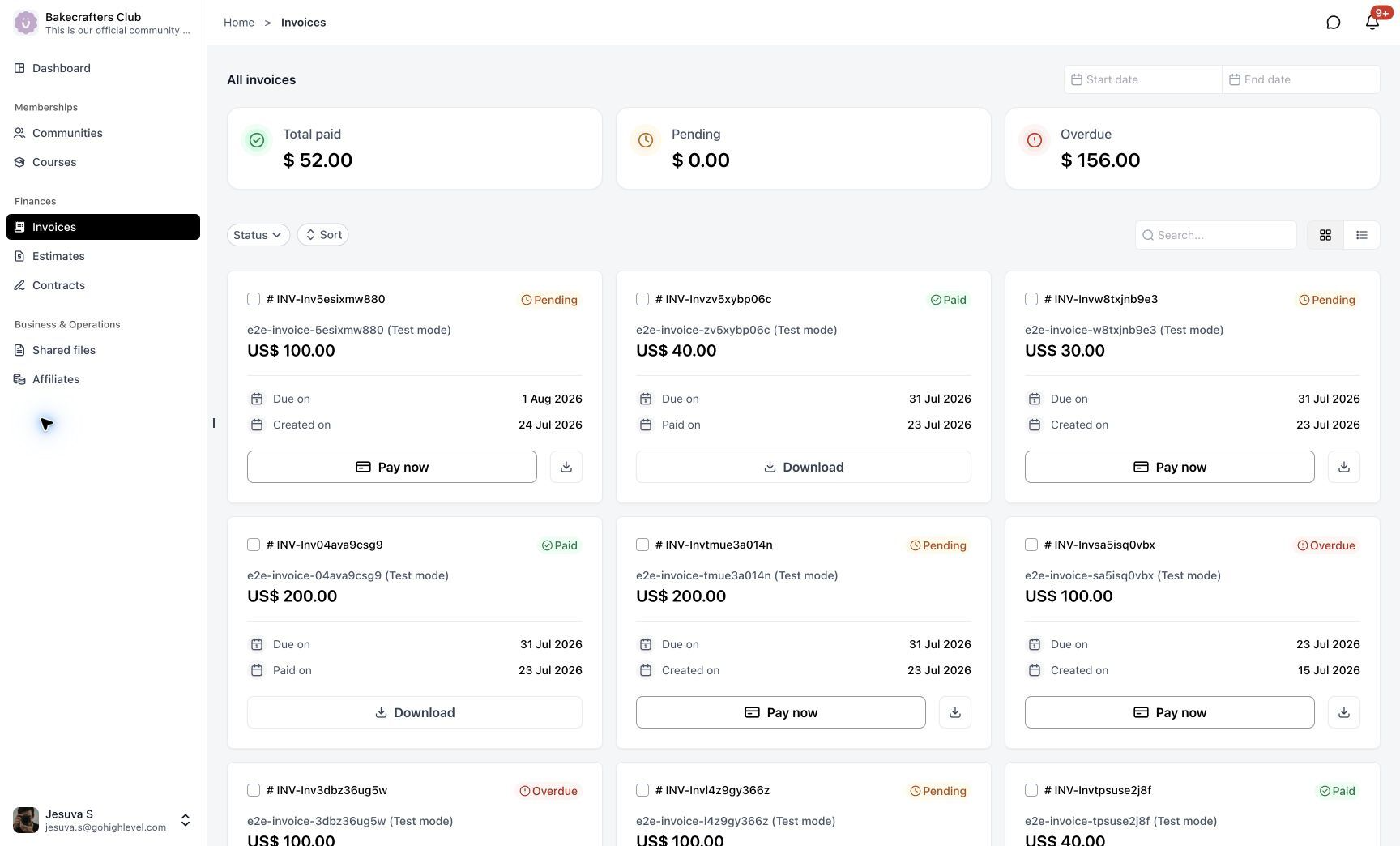
Estimates
Contracts
Shared Files
Affiliates
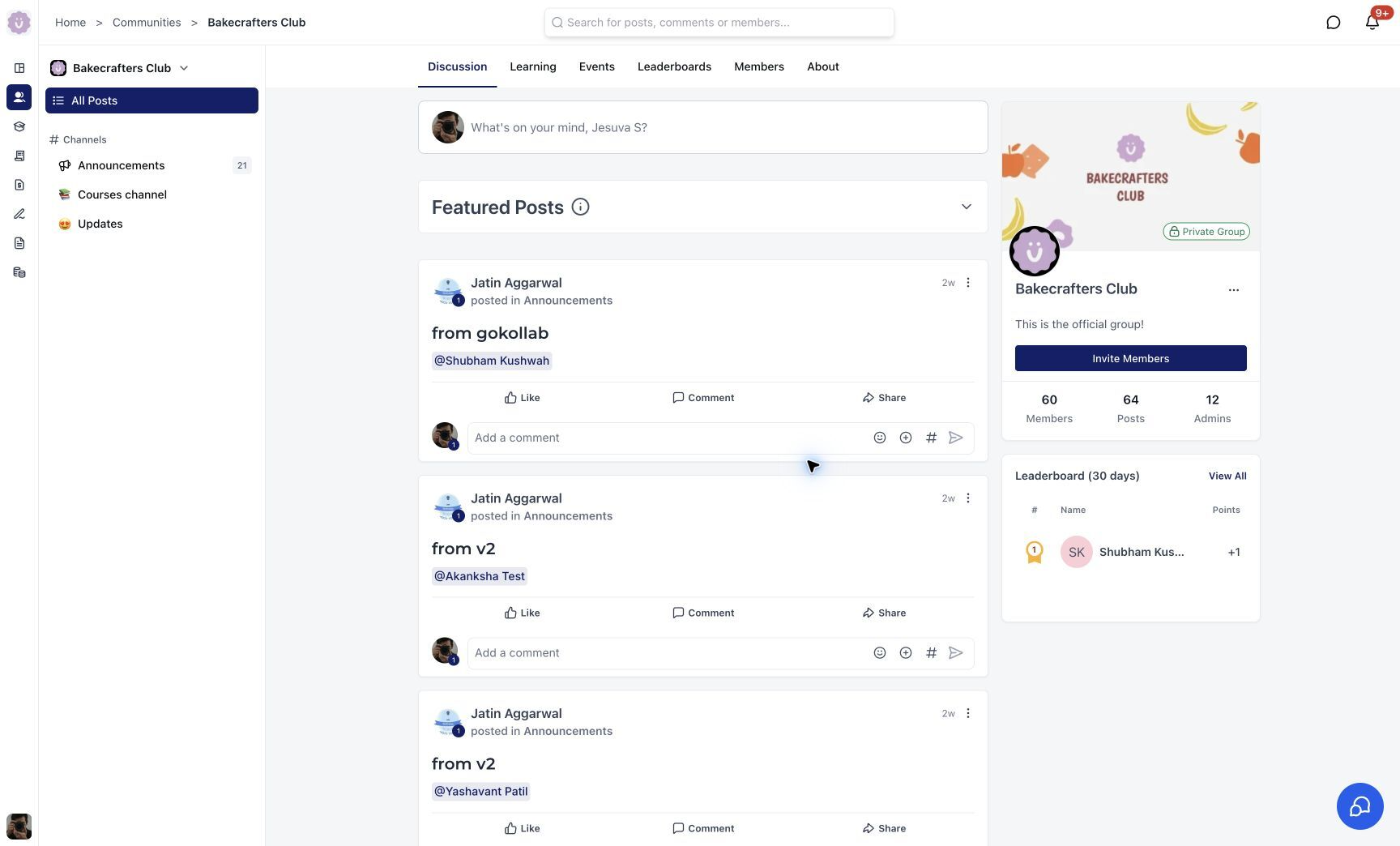
A Redesigned Communities Experience
The new Communities UI is now part of the unified Client Portal experience.
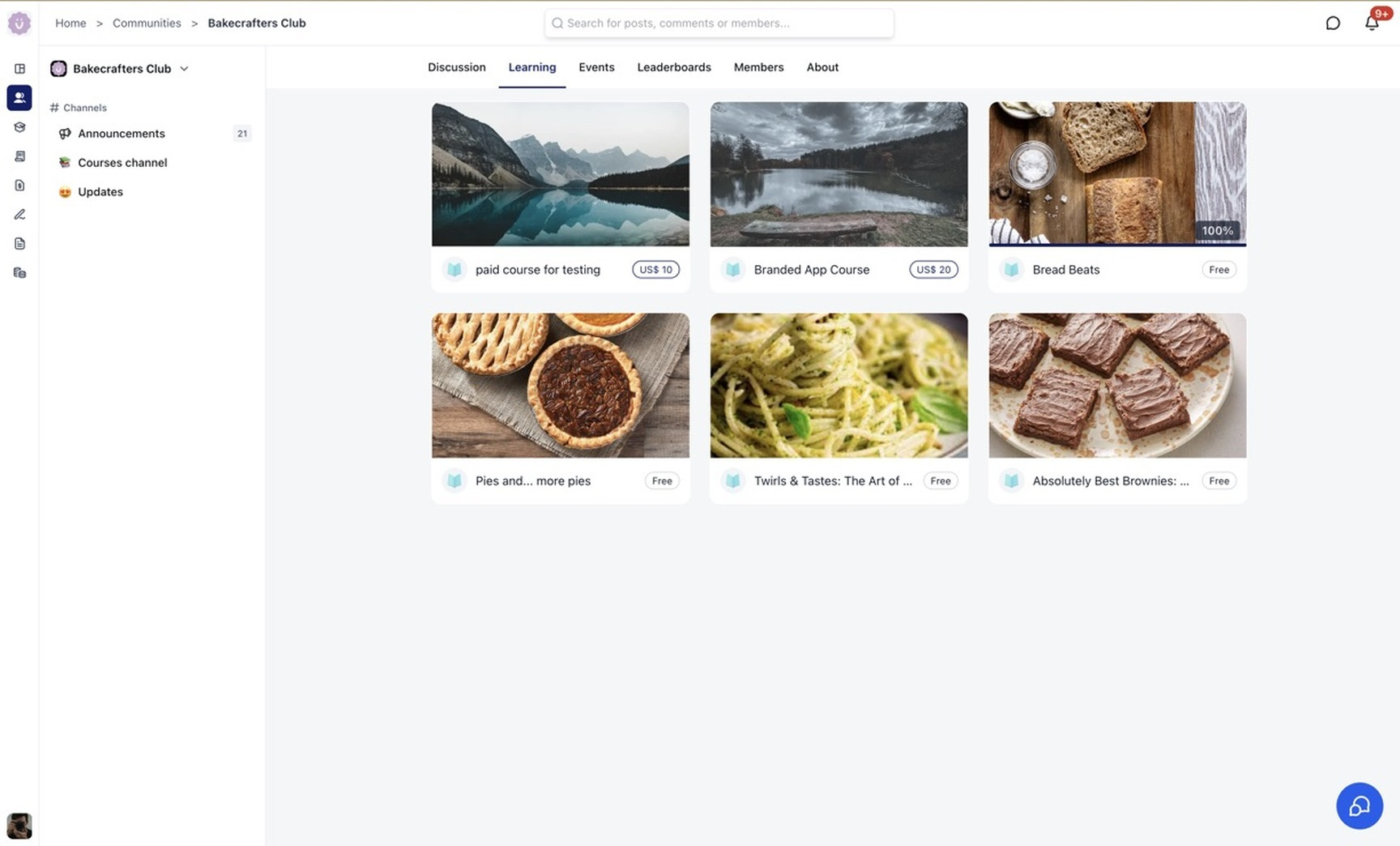
Members can move between discussions, learning content, events, leaderboards, member directories, and community information without switching products or opening another application.
Community branding, channels, posts, featured content, member information, and engagement tools are now presented through a cleaner and more consistent interface
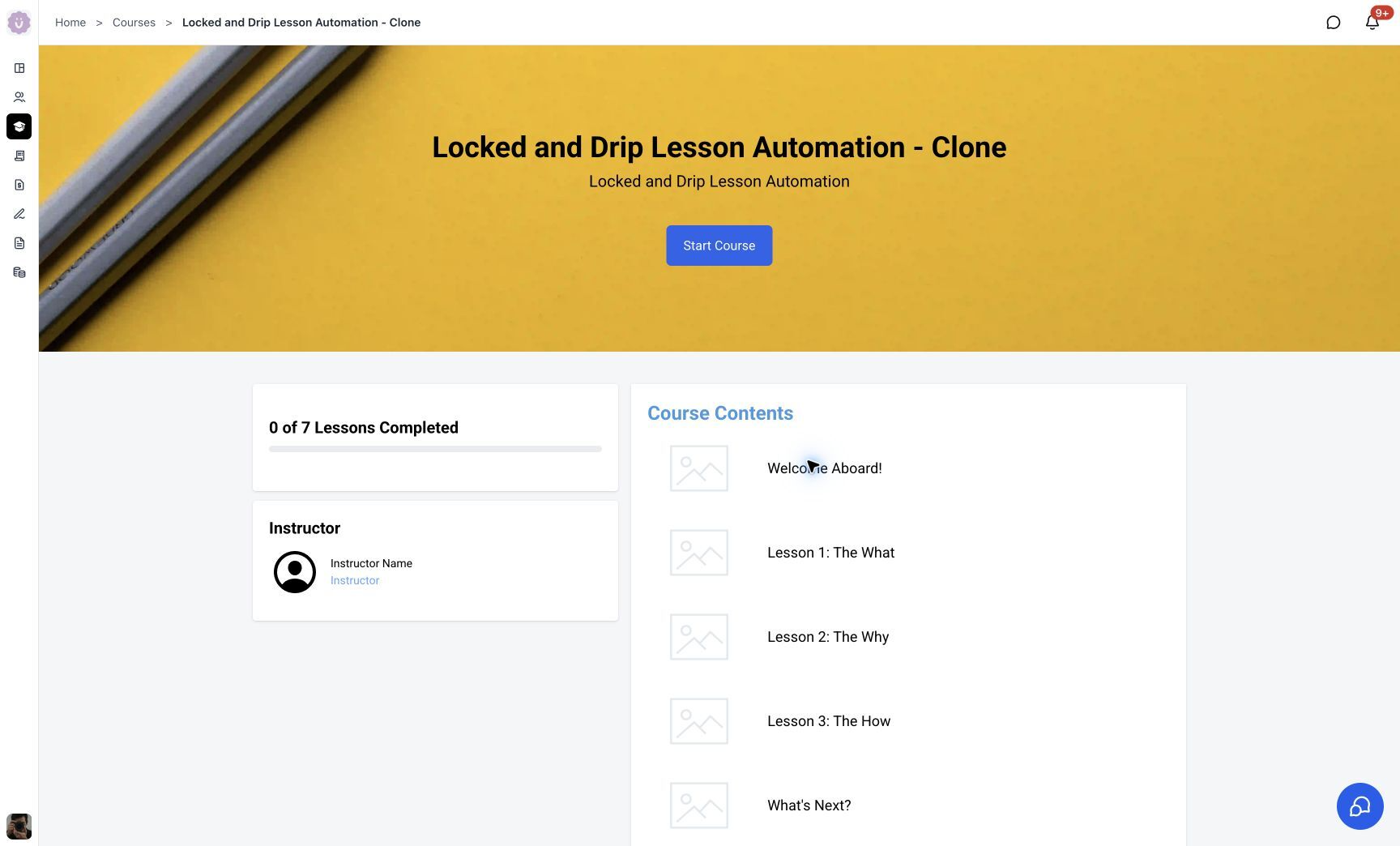
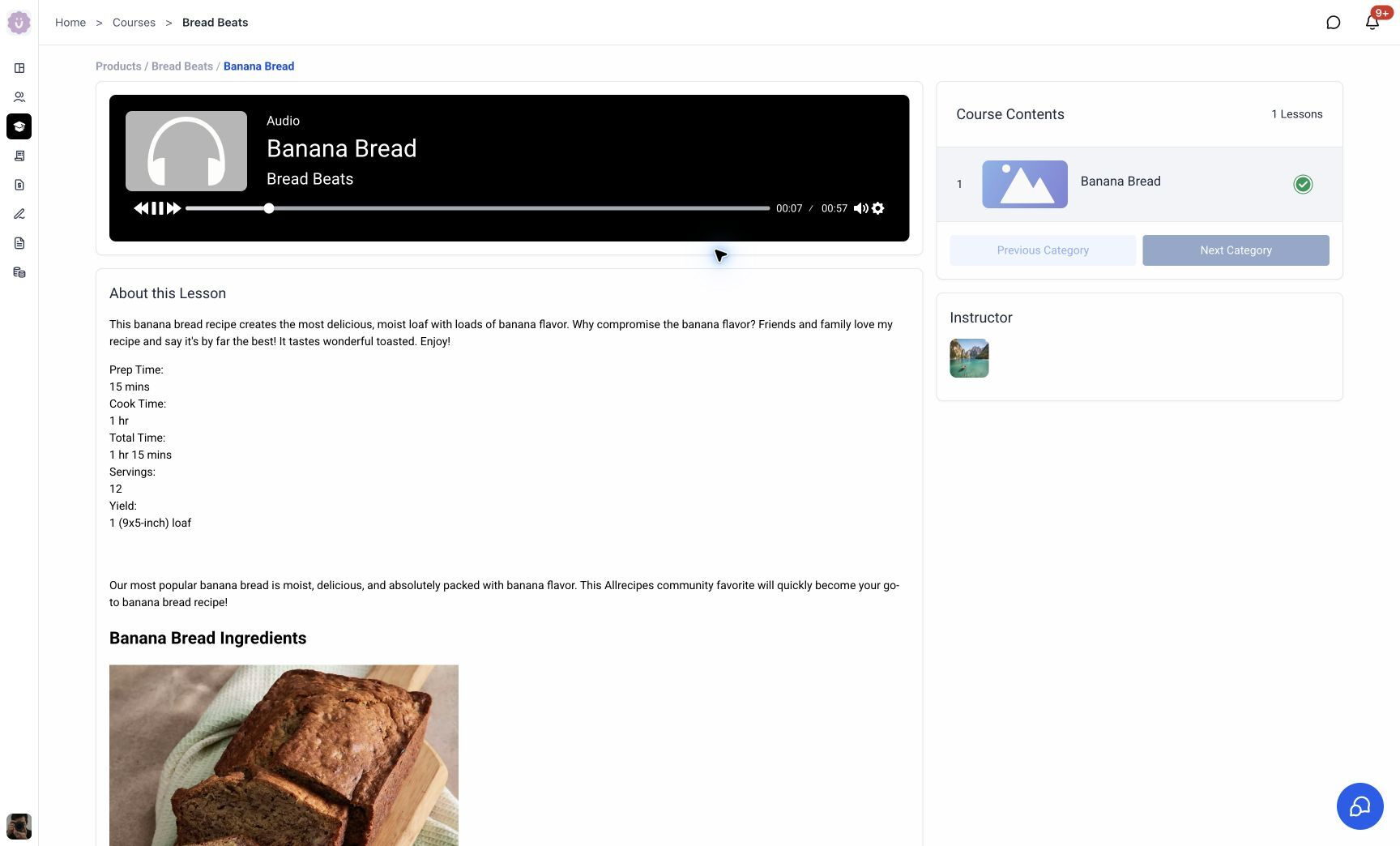
A More Connected Course Experience
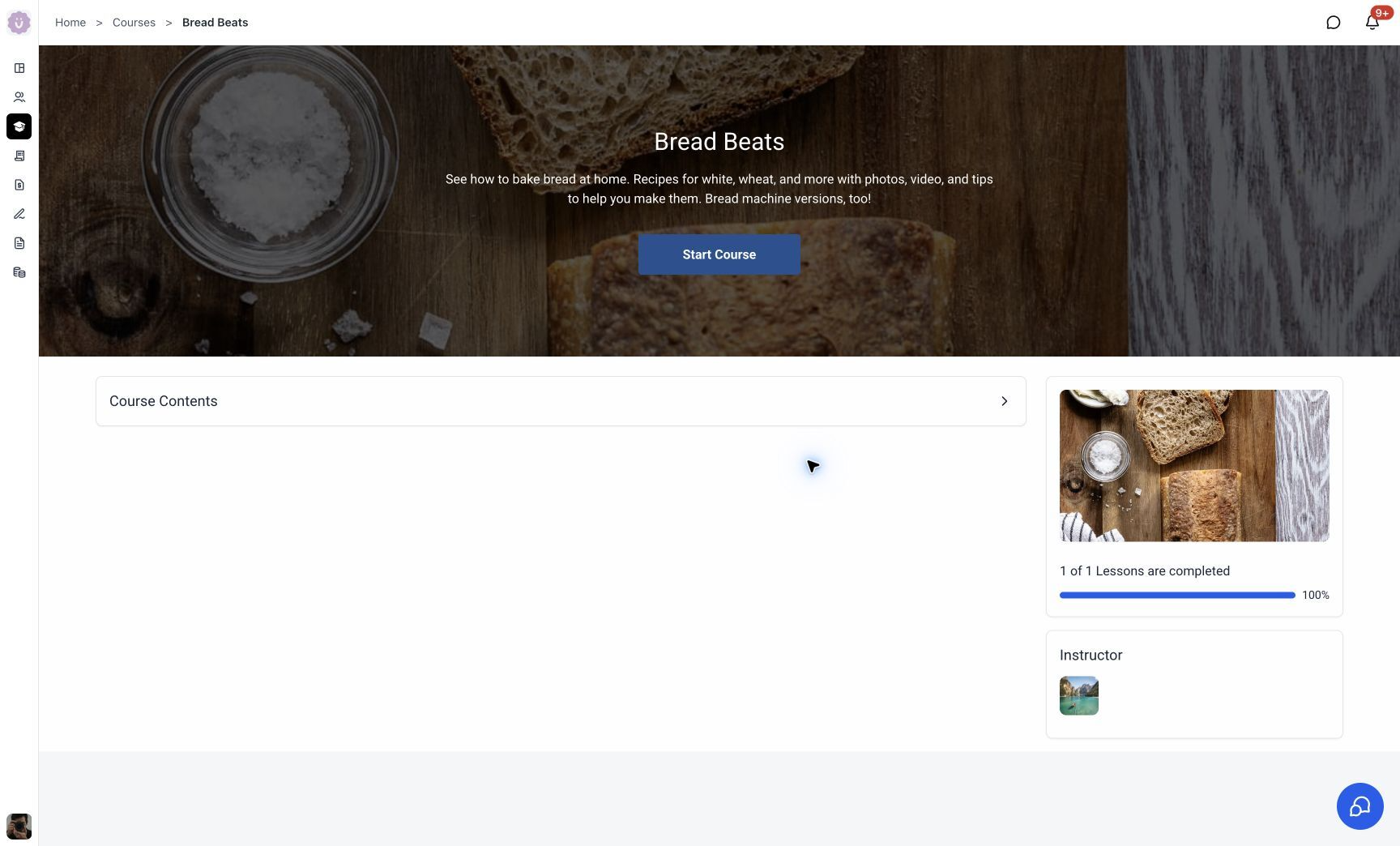
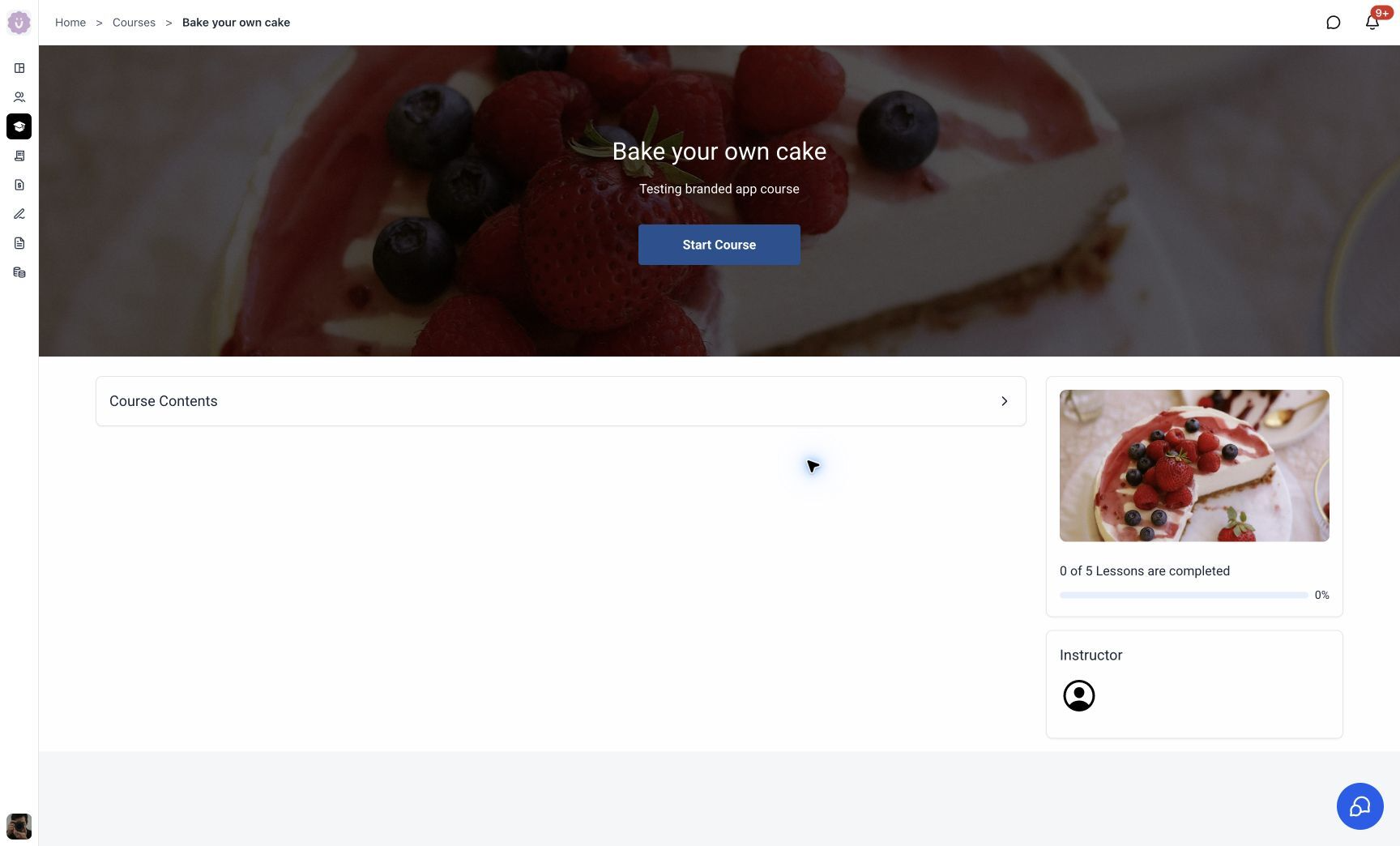
Courses now feel like a natural extension of the Client Portal rather than a separate destination.
Customers can discover courses, continue learning, view progress, access course content, and move between lessons while remaining inside the same branded experience
What Customers Will Notice
A genuinely usable home
The redesigned Dashboard turns the Client Portal home into a real launchpad. Courses in progress, Continue Watching, Community activity, billing, and files surface right where customers expect them — so the first screen they land on immediately gets them where they want to go.
Smoother app switching
Move naturally between Courses, Communities, Dashboard, billing, and shared files. It all feels like one journey, not products stitched together.
Faster performance
Faster page loads and snappier transitions across desktop and mobile. On the new dashboard, content loads in ~0.4s and becomes interactive roughly a second sooner than before.
A more premium feel
Smooth page-change animations make moving between sections feel polished and intentional, not jarring.
Easier content discovery
The redesigned dashboard and unified nav surface Courses in progress, Community activity, Continue Watching, Pinned Communities, billing items, and shared files at a glance.
One consistent brand experience
From a redesigned login through Courses, Communities, billing, and files, your brand stays front and center.
Built for SEO and discoverability
Eligible public Course and Community pages are now SEO-ready, with search-friendly rendering, crawlable URLs, and page metadata. New public pages score 92–100 on Lighthouse SEO vs 75–85 on legacy. This helps businesses expand their reach, attract new audiences to their content, and turn public pages into a growth channel. Private, gated, and customer-only content stays protected.
Was this article helpful?
That’s Great!
Thank you for your feedback
Sorry! We couldn't be helpful
Thank you for your feedback
Feedback sent
We appreciate your effort and will try to fix the article